> ## Documentation Index
> Fetch the complete documentation index at: https://continue-docs.mintlify.site/llms.txt
> Use this file to discover all available pages before exploring further.
# Using Instinct with Ollama in Continue
> Learn how to run Instinct, Continue's leading open Next Edit model, on your own hardware with Ollama
Instinct is a 7 billion parameter model. You should expect slow responses if
running on a laptop. To learn how to inference Instinct on a GPU, see our
[HuggingFace model card](https://huggingface.co/continuedev/instinct).
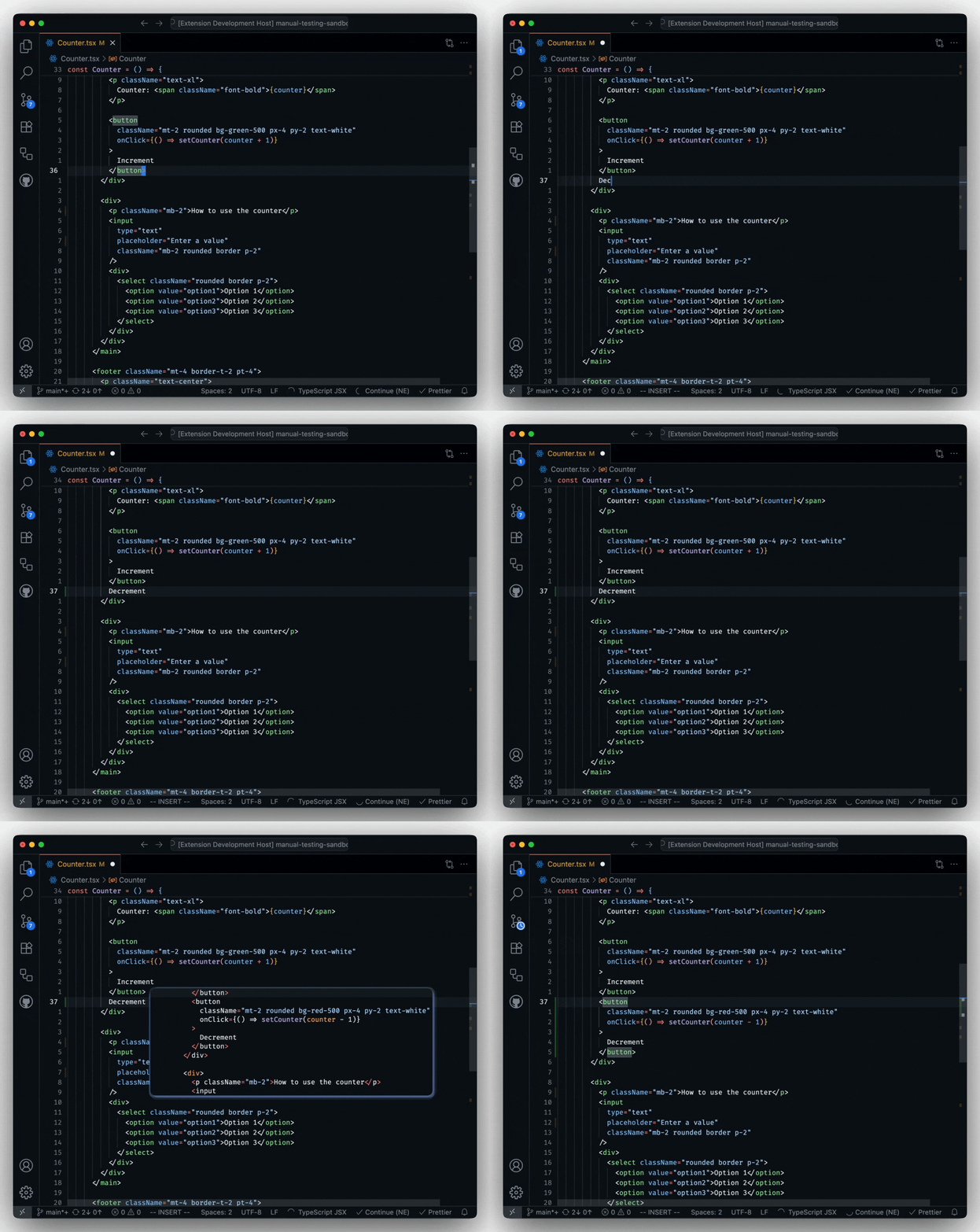
We recently released Instinct, a state-of-the-art open Next Edit model. Robustly fine-tuned from Qwen2.5-Coder-7B, Instinct intelligently predicts your next move to keep you in flow. To learn more about the model, check out [our blog post](https://blog.continue.dev/instinct/).
 ### 1. Install Ollama
If you haven't already installed Ollama, see our guide [here](./ollama-guide).
### 2. Download Instinct
```bash theme={null}
ollama run nate/instinct
```
### 3. Update your `config.yaml`
Open your `config.yaml` and add Instinct to the models section:
```yaml theme={null}
# ... rest of config.yaml ...
models:
- uses: continuedev/instinct
```
Alternatively, you can just click to add the block at [https://continue.dev/continuedev/instinct](https://continue.dev/continuedev/instinct).
### 1. Install Ollama
If you haven't already installed Ollama, see our guide [here](./ollama-guide).
### 2. Download Instinct
```bash theme={null}
ollama run nate/instinct
```
### 3. Update your `config.yaml`
Open your `config.yaml` and add Instinct to the models section:
```yaml theme={null}
# ... rest of config.yaml ...
models:
- uses: continuedev/instinct
```
Alternatively, you can just click to add the block at [https://continue.dev/continuedev/instinct](https://continue.dev/continuedev/instinct).